About

ESF is one of the nation's premier colleges focused on the study of the environment, developing renewable technologies, and building a sustainable future. We work to address the Earth’s most pressing problems — and students come here because they want to be part of the solution.
A small college with BIG ideas
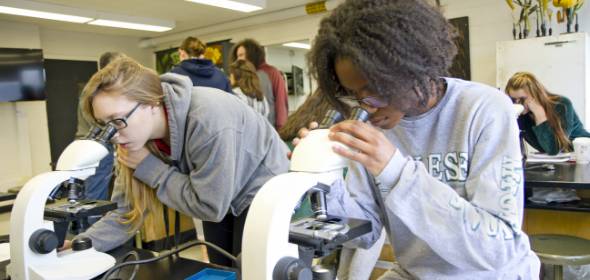
Our students, faculty, staff, and alumni make a global impact improving and sustaining the environment. We offer a world-class education among a close-knit community of more than 2,000 scholars with common values and a shared sense of purpose.
Our Campus
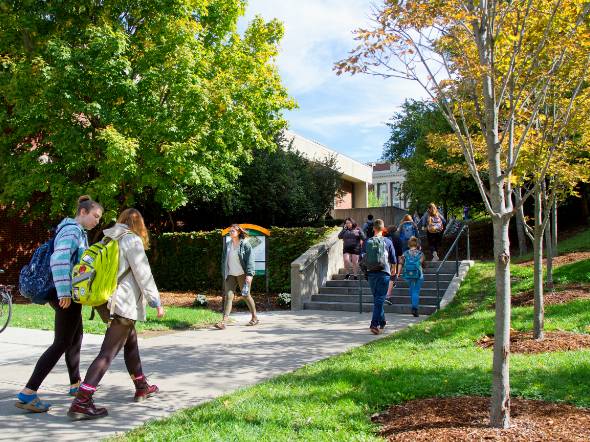
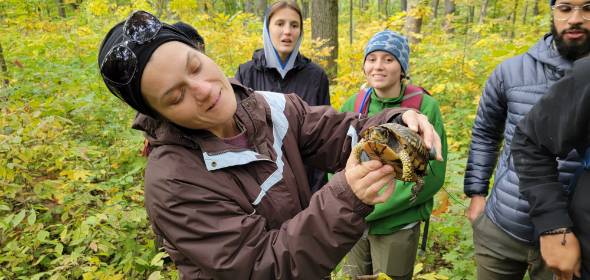
ESF’s tight-knit community is centered alongside Syracuse University in the heart of Central New York and has a system of properties that broadly represent New York state’s rich ecological diversity for scientific study and instruction.
Our Mission
We’re on a mission to educate future environmental leaders of all backgrounds, advance knowledge and skills necessary to promote scholarship and stewardship of the natural to designed environments, and act both locally and globally to improve our world.
Leadership
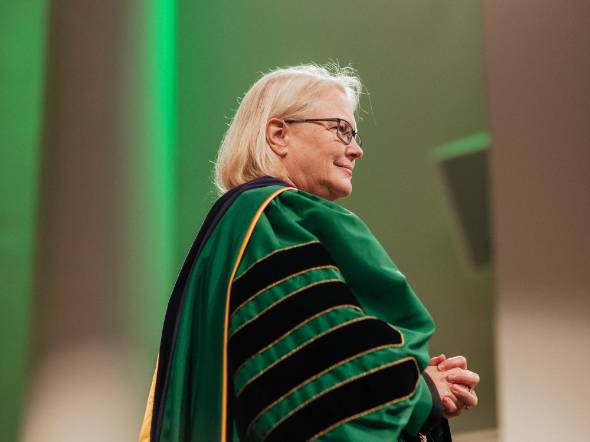
Meet ESF President Joanie Mahoney and the team of talent that makes up the Executive Cabinet.